Blog

  • Essential Tips for Better Web Performance
    Essential Tips for Better Web Performance

    Introduction

    In today’s fast-paced digital world, users expect websites to load almost instantly. A delay of even a few seconds can lead to higher bounce rates and lost opportunities. Optimizing your site isn’t just about speed; it’s about providing a seamless user experience.


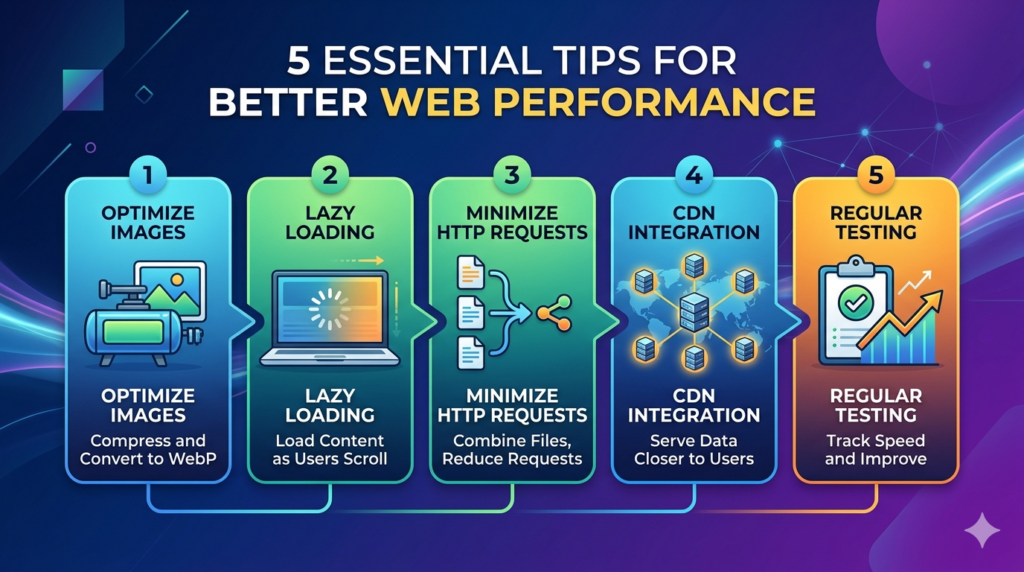
    1. Optimize Your Images

    Large image files are often the biggest culprit behind slow load times. Before uploading, ensure your images are compressed and saved in modern formats like WebP.

    Tip: Use a WordPress plugin like Imagify or ShortPixel to automate this process.

    2. Implement Lazy Loading

    Lazy loading ensures that images and videos only load when they are about to enter the user’s viewport. This significantly reduces the initial page weight.

    3. Minimize HTTP Requests

    Every script, stylesheet, and image on your page requires an HTTP request. You can streamline this by:

    • Combining CSS and JavaScript files.
    • Removing unnecessary plugins.
    • Using a lightweight theme.

    4. Use a Content Delivery Network (CDN)

    A CDN stores copies of your site on servers across the globe. When a user visits, the data is served from the location closest to them, reducing latency.


    Conclusion

    Improving performance is an ongoing process, but starting with these four steps will give your site a solid foundation. Regular testing with tools like Google PageSpeed Insights can help you track your progress.

  • Hello world!

    Welcome to WordPress. This is your first post. Edit or delete it, then start writing!